What Is a HEIC File?
Snapped a photo on your iPhone and ended up with a .heic file your computer will not open? Here is what a HEIC file is, why Apple uses it, and how to open or convert one.
This page explains the format itself. To turn a HEIC photo into a JPG, see how to convert HEIC to JPG. To view them on a PC, see how to open HEIC files on Windows.
HEIC stands for High Efficiency Image Container. It is the photo format that iPhones and iPads have used by default since iOS 11 (2017). A .heic file stores a photo using the modern HEIF standard, which keeps the same image quality as a JPG at roughly half the file size, so your photos take up less space.
Why does my iPhone save HEIC?
Apple switched to HEIC to save storage on your phone and in iCloud. The downside is compatibility: many websites, Windows programs and older apps still cannot open a HEIC file, which is why you sometimes get an error when you try to upload or share an iPhone photo.
How to open a HEIC file
- iPhone, iPad and Mac open HEIC natively in Photos and Preview, no extra software needed.
- Windows 10 and 11 can open HEIC after installing Microsoft's free HEIF and HEVC extensions, otherwise the file will not preview.
- Android and most websites do not support HEIC, so the reliable fix is to convert it to JPG first.
HEIC vs JPG
HEIC is smaller and supports extras like Live Photos and better color, but has limited support. JPG is a little larger but opens on virtually every device, browser and app. For anything you need to upload, email or share, JPG is the safe choice.
How to convert HEIC to JPG
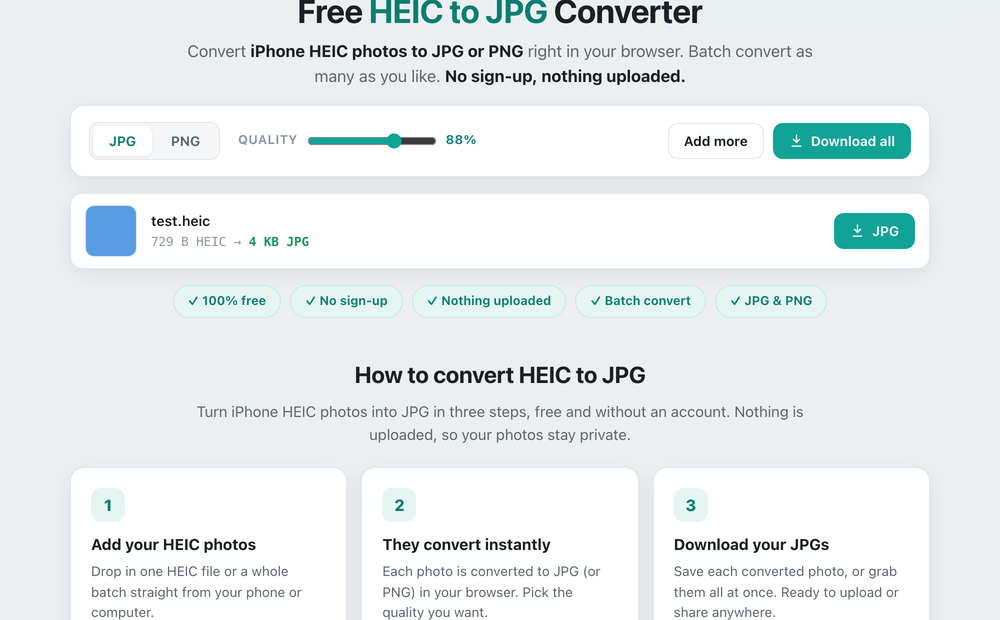
The simplest way is a free HEIC to JPG converter. Drop your HEIC photos in, they convert to JPG right in your browser, and you download them, with nothing uploaded to a server. You can also read our full guide on how to convert HEIC to JPG.