How to Share Code or Text Online (Free Pastebin)
Need to send someone a block of code, a long message, or move text between your phone and computer? A pastebin gives you a clean, shareable link in seconds, with no account required.
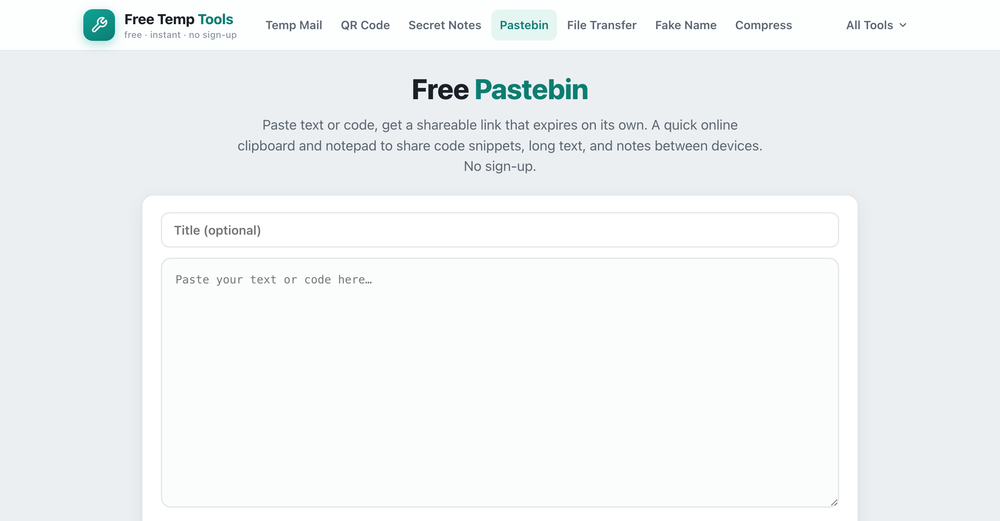
What is a pastebin?
A pastebin is a tool where you paste text or code and get a link to share it. Instead of cramming code into a chat, where the formatting breaks, you share a tidy link that opens with line numbers and syntax highlighting. It is also handy as a free online clipboard or online notepad for sending yourself text between devices.
What you can share
- Code snippets with automatic syntax highlighting and line numbers.
- Error logs, config files or command output that are too long for a chat message.
- Long text or notes, a draft, or anything you want to hand to someone by link.
- Text you want to move between your phone and computer, like a URL or an address.
How to share code or text online
- Open the pastebin, paste your text or code, and add a title if you like.
- Choose when it should expire, from one hour up to a month.
- Create the link and send it. It can be opened as many times as you like until it expires.
Pastebin vs a file transfer or a note
Use a pastebin to share text or code with a link that can be read many times. To send an actual file instead, use a file transfer. To share a secret that should be read only once, use a self-destructing note.
It works as a free, anonymous pastebin and Pastebin alternative for sharing code online, long text, or a quick note between devices, with no account and nothing kept forever.
Share code or text now
Paste it, pick when it expires, and get a shareable link. Free, no sign-up.
Open Temp Pastebin →