How to Make a QR Code (for a Link, WiFi or Google Review)
A QR code turns any link or piece of text into a square barcode that a phone camera can open instantly. Here is how to make one for free and download it.
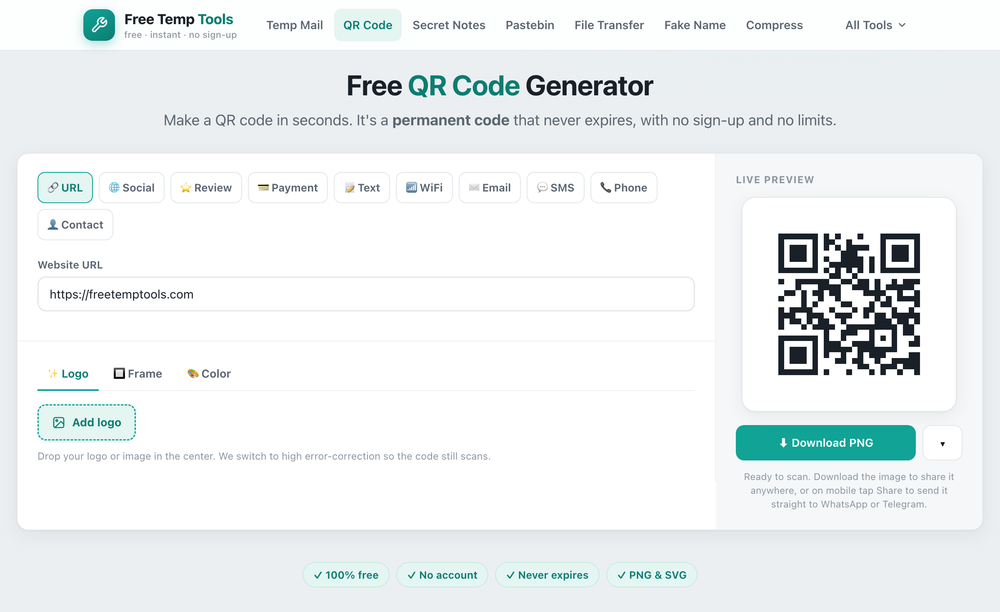
Every type of QR code you can make
A QR code can point to almost anything a phone can open. With this free QR code generator you can create:
- A website QR code for any URL, such as your homepage, online menu, booking form or a hosted PDF.
- A social media QR code that opens your Instagram, TikTok, Facebook, YouTube, WhatsApp or LinkedIn profile.
- A Google review QR code that sends customers straight to your review page to leave feedback.
- A payment QR code for a PayPal, Venmo, Cash App or other payment link, so people can pay you by scanning.
- A WiFi QR code so guests join your network by scanning, with no password to type.
- A contact or vCard QR code that saves your name, phone number and email as a contact.
- An email QR code that opens a pre-addressed email, or an SMS QR code that starts a pre-written text.
- A phone number QR code that dials you with one tap.
- A plain text QR code for any message, note or code.
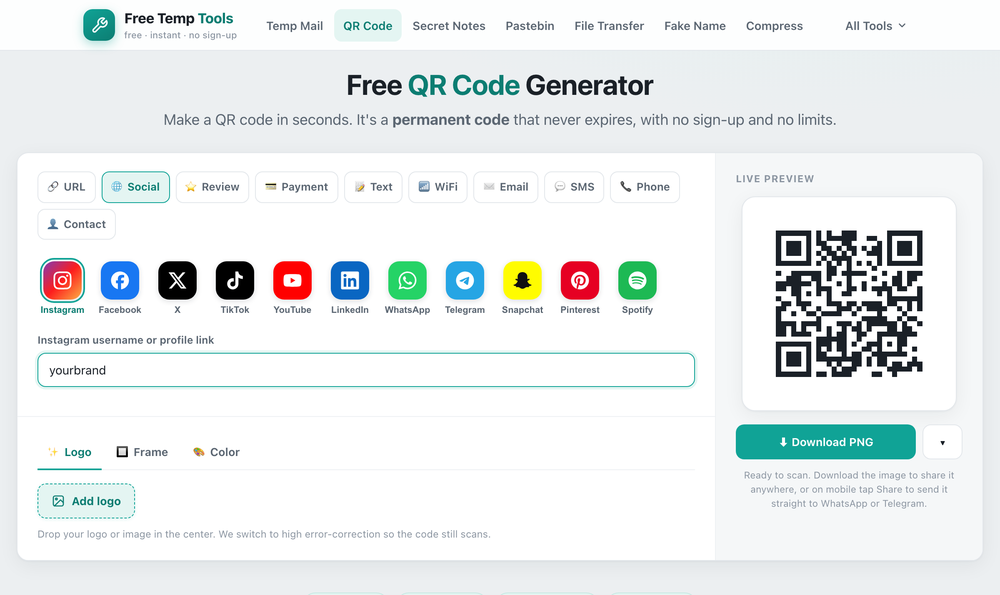
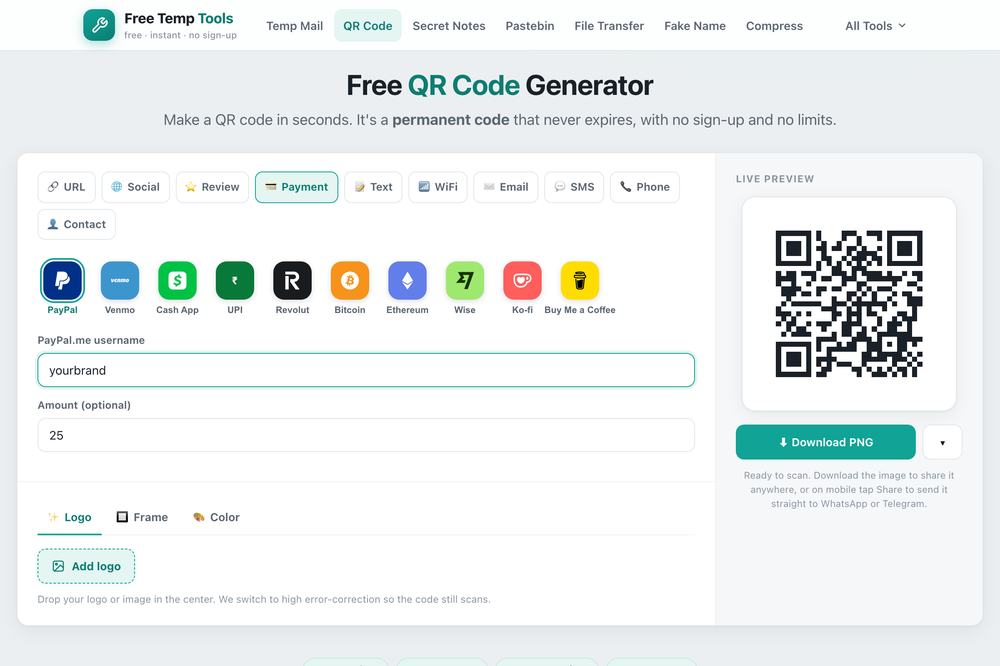
Restaurants use a menu QR code, shops add a review or payment QR code at the till, and businesses put a vCard or website QR code on business cards and flyers. Pick the type, enter the details, and download it as a PNG or SVG.
How to make one
- Open the QR code generator and choose the type, for example URL, WiFi or contact.
- Enter your link or details. The code updates as you type.
- Optionally change the colors or add a logo in the center to match your brand.
- Download it as a PNG for screens and documents, or an SVG for print, which stays sharp at any size.
Add a logo, frame or custom colors
Most free QR generators only give you a plain black-and-white square. This one lets you make a custom, branded QR code for free, with three things many other sites charge for or skip entirely:
QR code with a logo in the center
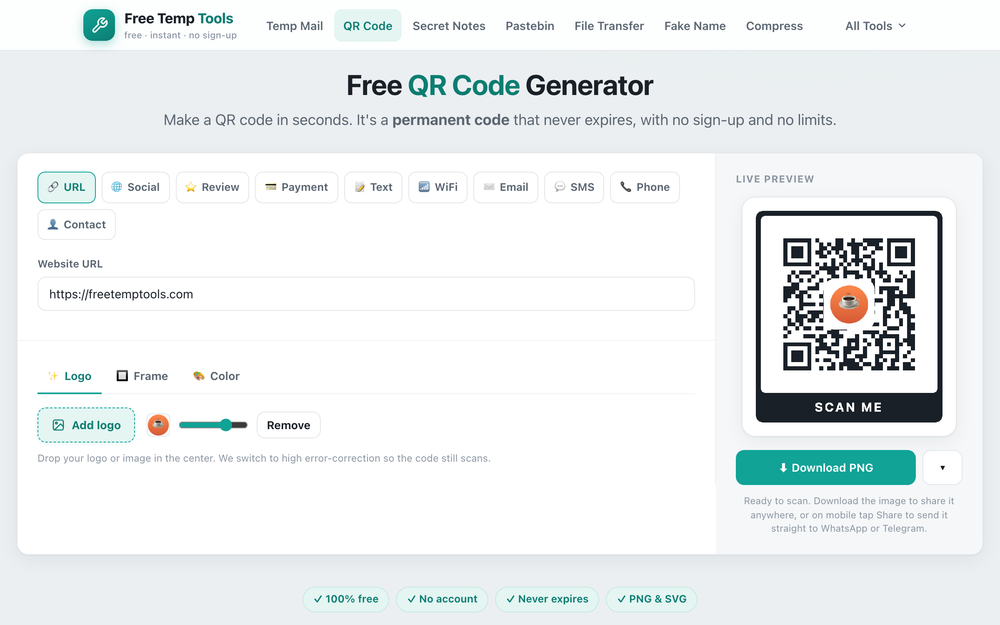
Open the Logo tab and drop in your logo or any image to place it in the middle of the code. It automatically switches to high error-correction so the QR code with a logo still scans reliably, and a slider lets you size the logo up or down. This is the easiest way to make a branded QR code that carries your business or app icon.
QR code frames with a call to action
The Frame tab wraps your code in a ready-made QR code frame with a call-to-action label like "Scan me". Choose from styles including a plain border, rounded corners, a top label, or a full card. A frame tells people the square is scannable, which noticeably lifts scans on posters, table tents and flyers.
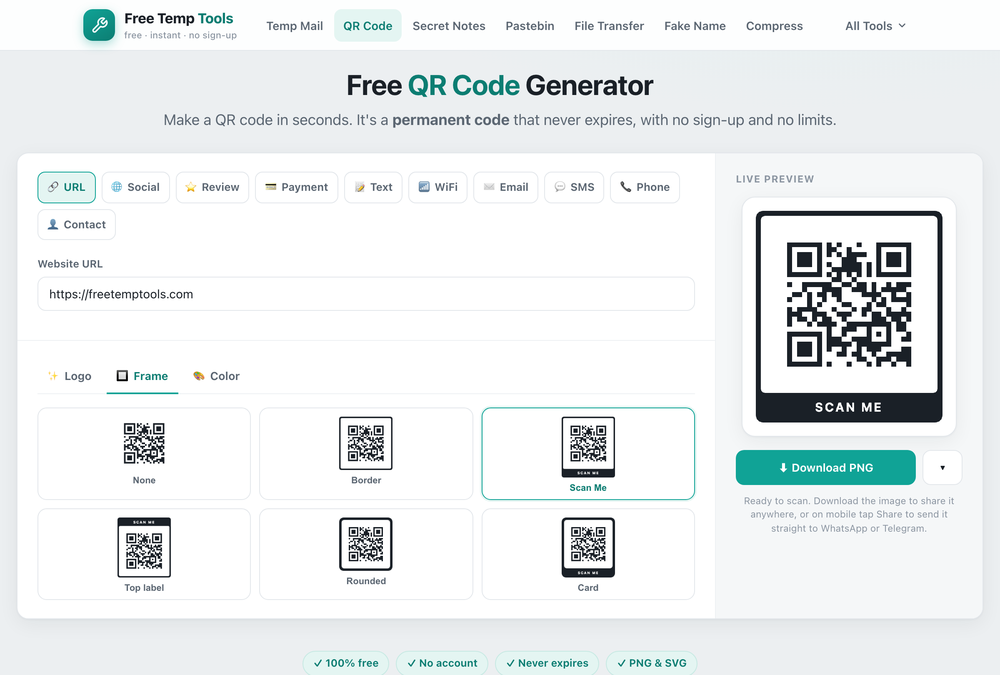
Custom QR code colors
The Color tab lets you set the QR code color and background to match your brand. Keep strong contrast, dark code on a light background, so a colored QR code still scans everywhere. When you are happy, download it as a PNG or SVG with the logo, frame and colors baked in.
Static vs dynamic QR codes
A static QR code has the destination baked in. It is free, works forever, and never expires, which is what most people need. A dynamic code adds a redirect so you can change the destination or track scans later, but it relies on a paid service that must keep running. For a link, WiFi code or review, a static code is all you need.
Tips for a QR code that always scans
- Keep good contrast between the code and its background, dark on light works best.
- Test it before printing by scanning with a couple of phones.
- Do not shrink it too small. On a poster, bigger is safer.
Want to hand someone a file instead of a link? A file transfer also gives you a QR code to open the transfer on another device.
Make a free QR code
For a link, WiFi, contact or review. Download as PNG or SVG, free and unlimited.
Open QR Code Generator →